
Test data
Overview
Section titled “Overview”Test Data allows you to store and reuse information - such as credentials, payment card details, files, and other values - across tests using parameters.
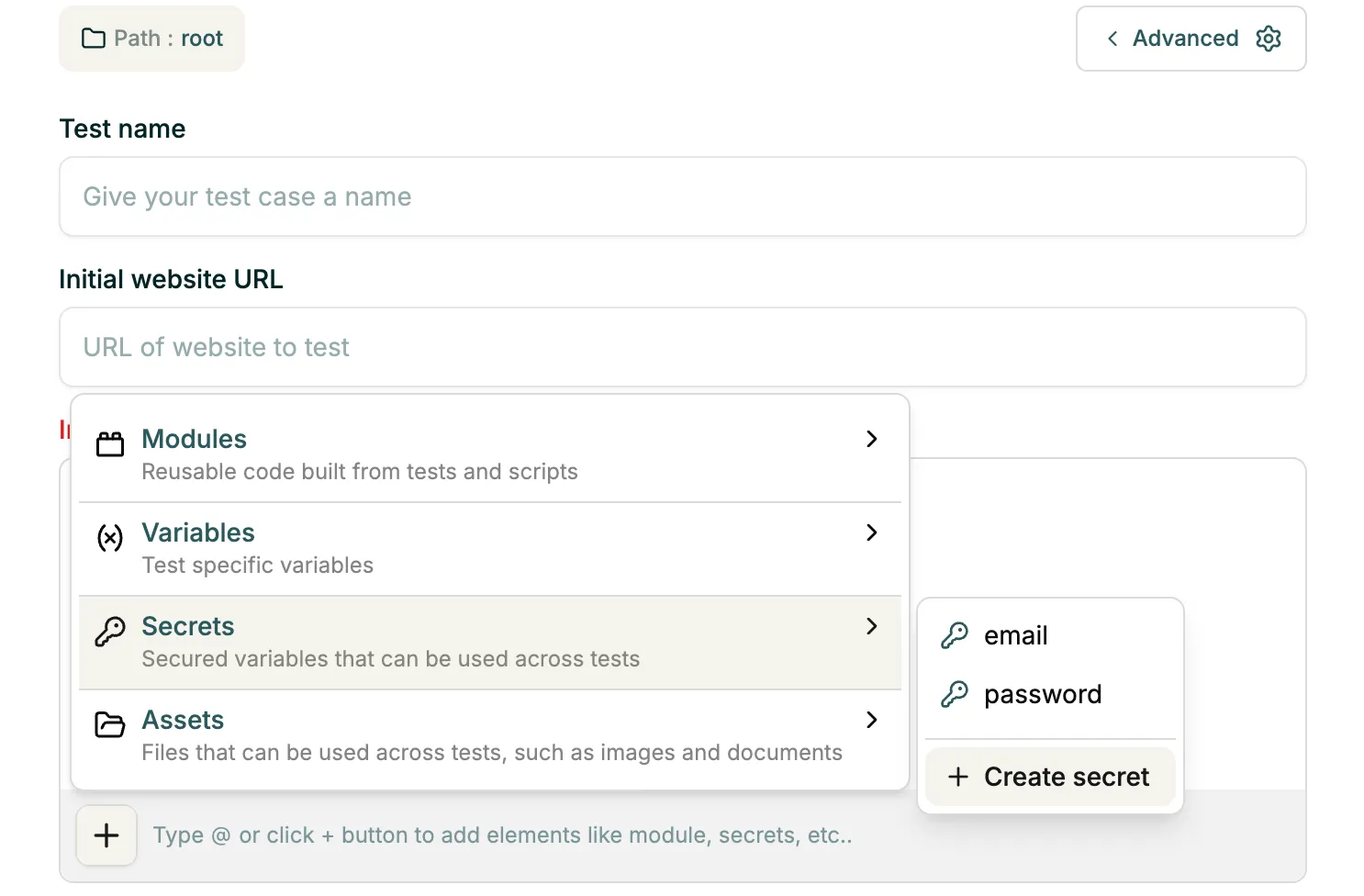
Test Data can be attached to a test via the UI, or referenced inline using @, which triggers a contextual menu showing available variable and asset names.
Types of test data
Section titled “Types of test data”Variables
Section titled “Variables”Variables are local parameters typically used within a specific test.
To create a variable:
- While creating a test, click the + icon.
- Select Variables.
- Click Create variable.
- Enter the variable name and value.
Secrets
Section titled “Secrets”Secrets are global parameters generally used for sensitive information such as passwords or API keys.
To create a secret from the test creation flow:
- While creating a test, click the + icon.
- Select Secrets.
- Click Create secret.
- Enter the secret name and value.
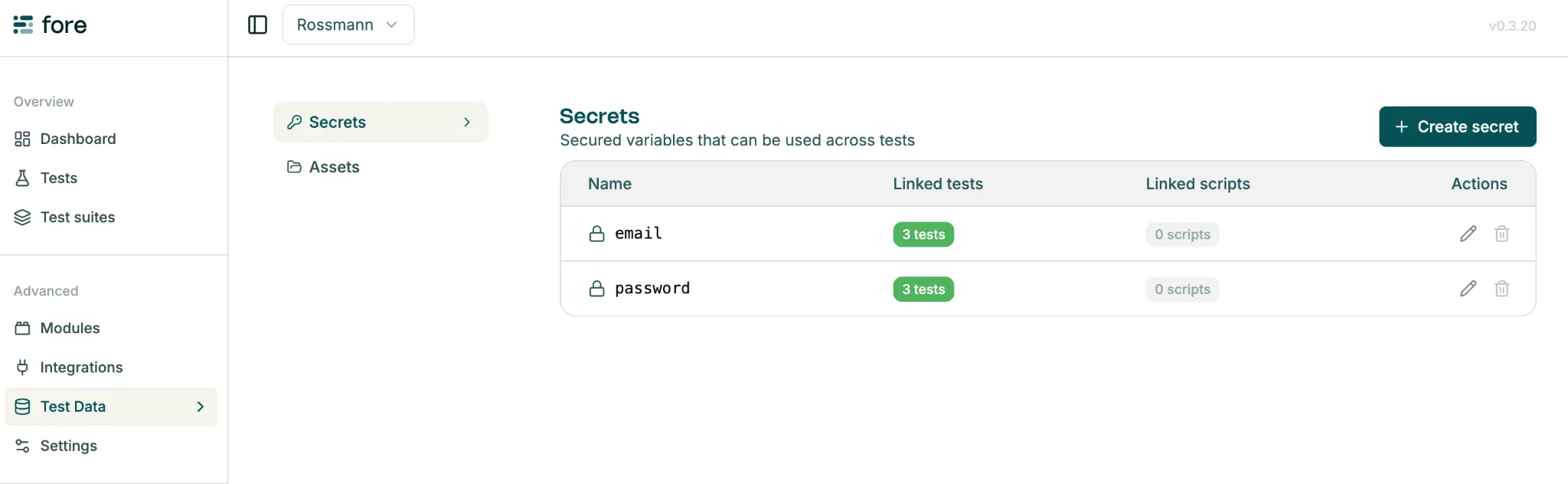
To create a secret from Test Data:
- Navigate to test data.
- Open Secrets.
- Click Create secret.
Assets
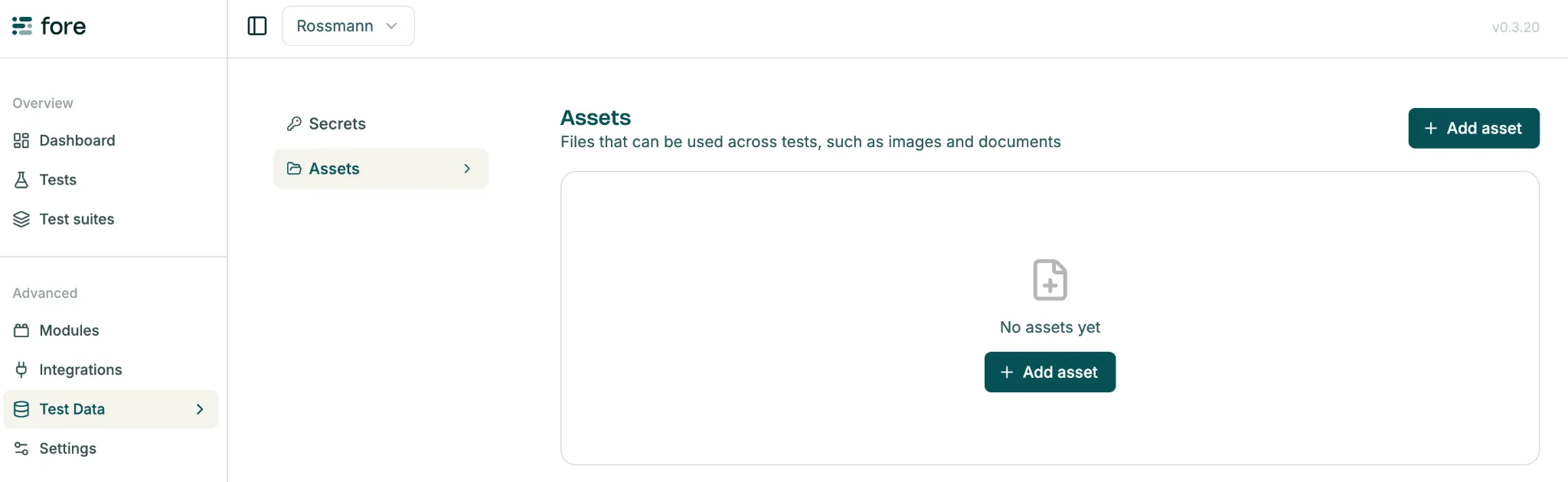
Section titled “Assets”Assets are files that can be uploaded and used in tests, such as images required during execution.
To add an asset:
- Navigate to Test data.
- Open Assets.
- Click Add asset.
- Upload the required file.