

Configurations
Project settings & SSO configuration
Section titled “Project settings & SSO configuration”This section covers how to manage your Klarent project settings and how to configure Single Sign-On (SSO) for your organization.
Project settings
Section titled “Project settings”The Settings tab is your central place for managing project-level configuration, including your project name, team members, and API credentials for CI/CD.
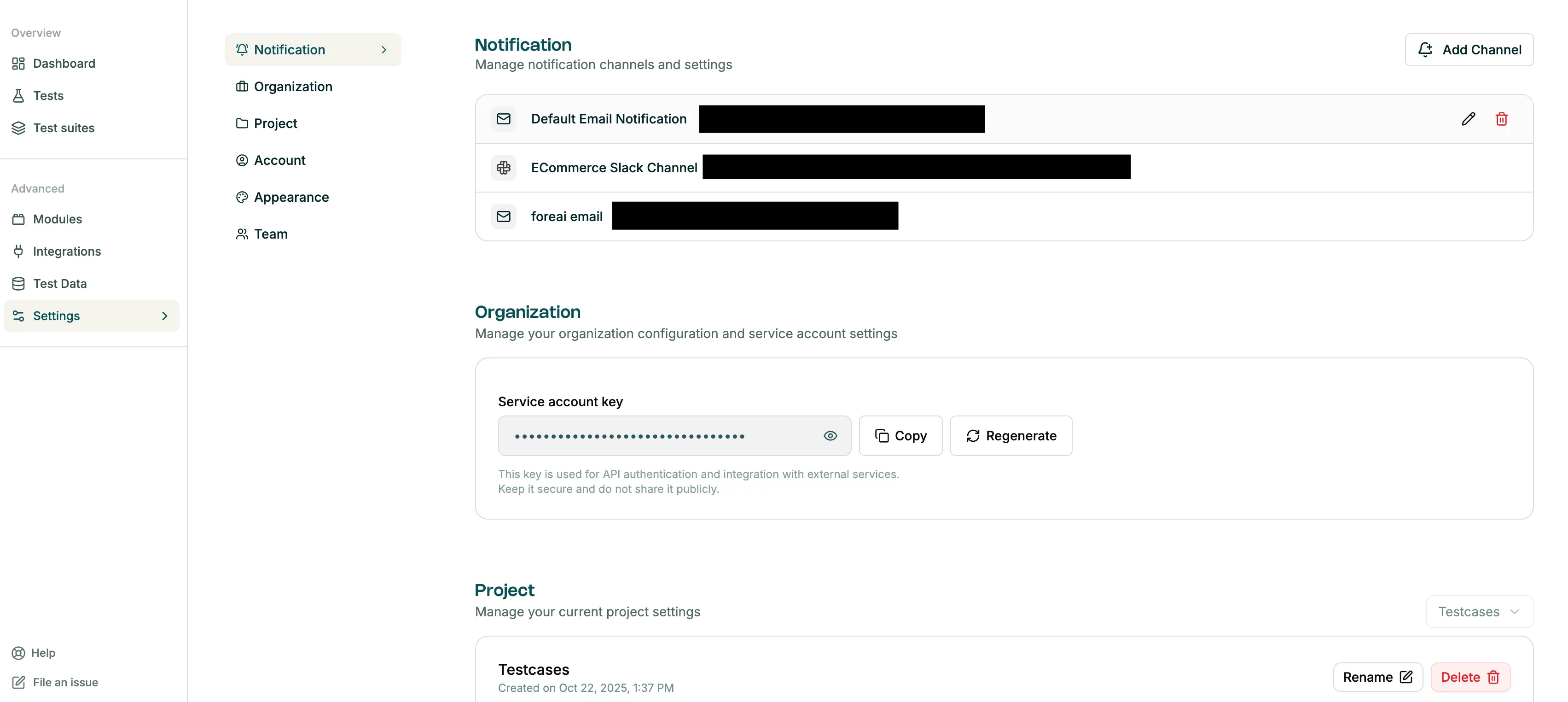
The Organization Settings panel, showing the service account API key used for CI/CD integration.
For full details, see Project Settings.
SSO via SAML
Section titled “SSO via SAML”For organizations that require centralized identity management, Klarent supports SAML-based Single Sign-On (SSO). The setup guide walks through configuration using Azure Active Directory (Azure AD) as the Identity Provider, covering app creation, SAML settings, user assignment, and metadata sharing with the Klarent team.
For full details, see SSO SAML Onboarding.