Platform · Test Management
Defect and bug tracking
A defect raised from a failed test already carries the evidence. Klarent logs it, links it to the case and requirement it came from, and follows it through to fixed.
Why defects stall
Where defects lose days before anyone fixes them
A failure rewritten as a report
Someone has to turn a failed test into a bug report before anyone can act on it.
Reports without enough detail
Reports arrive without enough reproduction steps to recreate the problem, so they bounce back.
The same issue, many names
One issue gets logged repeatedly under different names, and the team triages it more than once.
No view of what blocks release
Nobody can say which defects are actually blocking the release, so every open bug looks equally urgent.
How defect tracking works
How defect tracking works in Klarent
Step 1 - Raise
Log a defect from a failed test, including during exploratory testing.
Step 2 - Enrich
Evidence, environment and the linked test case attach automatically.
Step 3 - Track
The defect lifecycle moves through your workflow until the fix is verified.
Platform capabilities
Defect management that starts from the failure
One-click defect creation
Raise a defect from a failed test run without retyping what the run already knows.
Run evidence attached
Video, logs, screenshots, the failing step and the environment come with the defect.
Duplicate detection
One recurring failure is one defect, not a pile of near-identical reports.
Severity and priority
Severity and priority fields are mapped to your own workflow, not a fixed scheme.
A linked test case
Each defect links to the test case, test run and requirement it came from.
Retest and verification
When a fix lands, a retest and verification workflow confirms it actually worked.
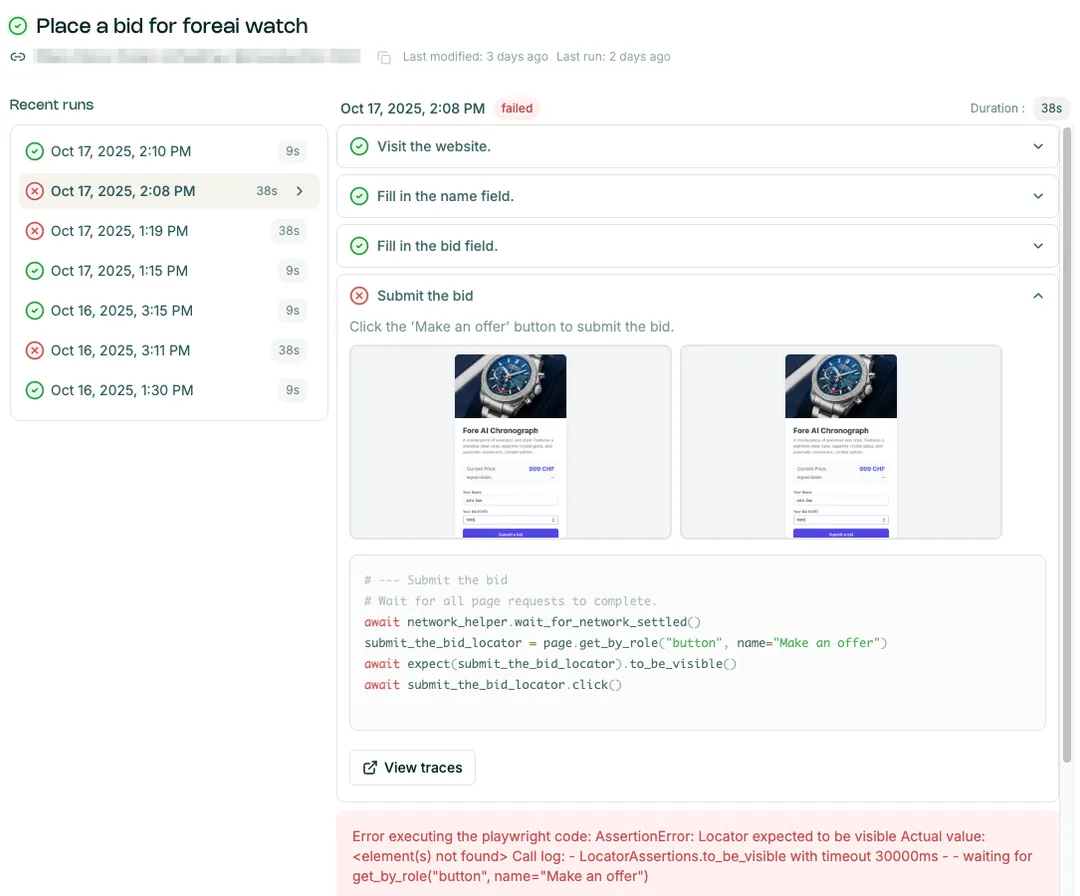
Defect insight and trends
See what is blocking the release
Because defects are linked to tests and requirements, defect trends can answer release readiness questions that a standalone list cannot.
Open defects by severity, area and age
See where open defects are concentrating, and which ones have been waiting longest.
Requirements blocked by a defect
See which requirements are still blocked by an open defect before you decide to ship.
Escape rate
Compare defects found after release with defects found during testing.
Works with your tracker, not against it
Keep your bug tracker. Keep the test linkage.
Two-way sync
Defects in Klarent stay in sync with Jira, Linear or Azure Boards, so both sides show the same status.
Each team stays where it works
Teams that live in Jira keep working in Jira. QA keeps the link back to the test.
Connection detail
Setup and supported fields are covered on the integrations page.
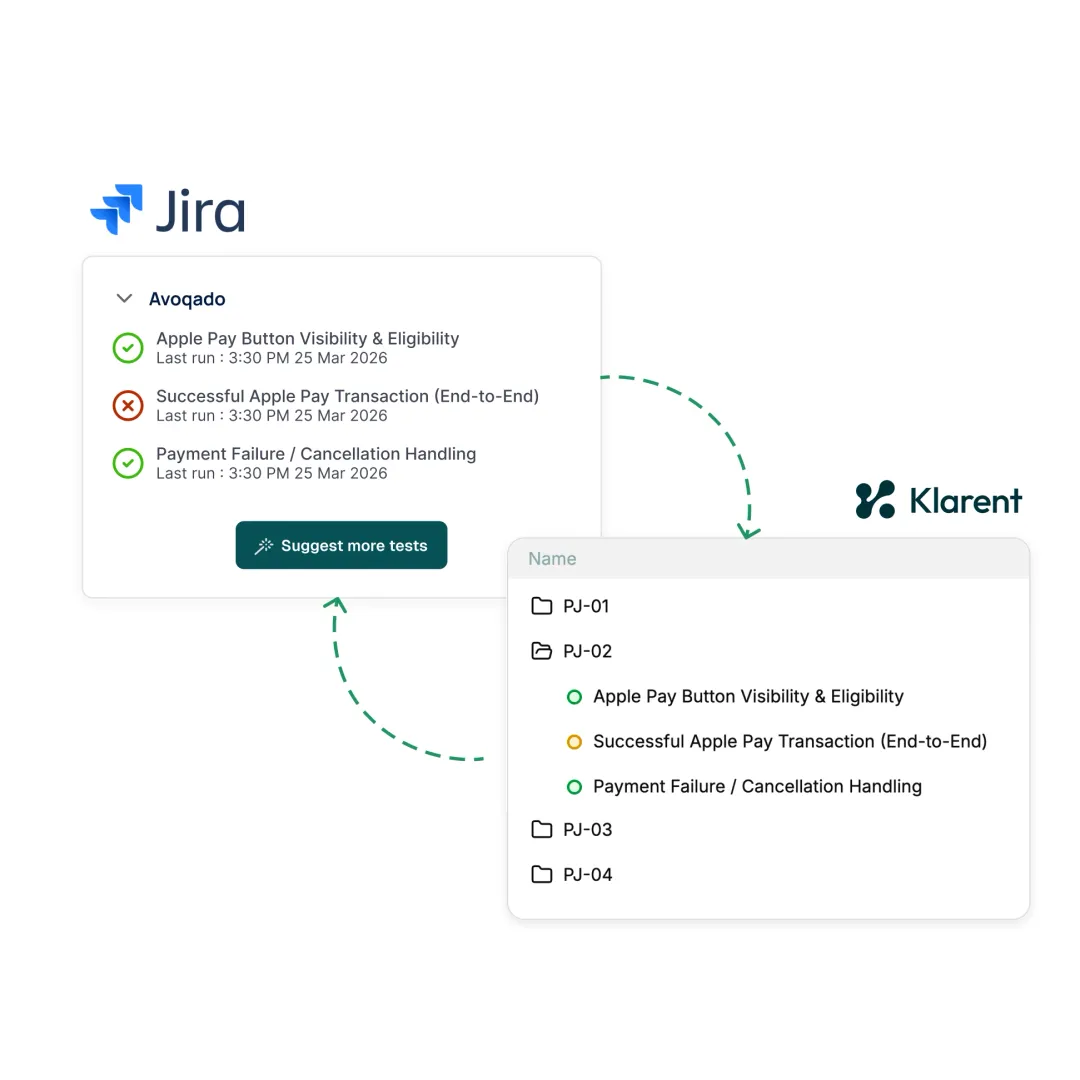
See a defect raised from a failed run.
Watch a failed test become a tracked defect with the evidence already attached, linked to its test case and requirement.
Related platform pages
FAQs
From a failed test run, you create a defect in one click. It can also be raised during exploratory testing. The defect is created with the run details already filled in, so the tester does not rewrite the failure as a report.
The run evidence travels with the defect: video, logs, screenshots, the failing step and the environment. The linked test case is attached as well, so anyone picking it up has the reproduction steps.
It works alongside it. Klarent is not a general bug tracker. It tracks defects in the context of the tests and requirements they came from, and keeps them in sync with the tracker your developers already use.
Yes. Defects in Klarent stay in sync with Jira, Linear or Azure Boards, so teams that live in Jira keep working there while QA keeps the link to the test. See the integrations page for the connection detail.
Duplicate detection recognises when a new failure matches an existing defect, so one recurring failure stays one defect instead of becoming several reports with different names.
Yes. Each defect is linked to the requirement it came from, so you can see which requirements are still blocked by an open defect before you release.
When a fix lands, the defect goes through a retest and verification workflow. The linked test case is run again, and the defect is only closed once the fix is confirmed.